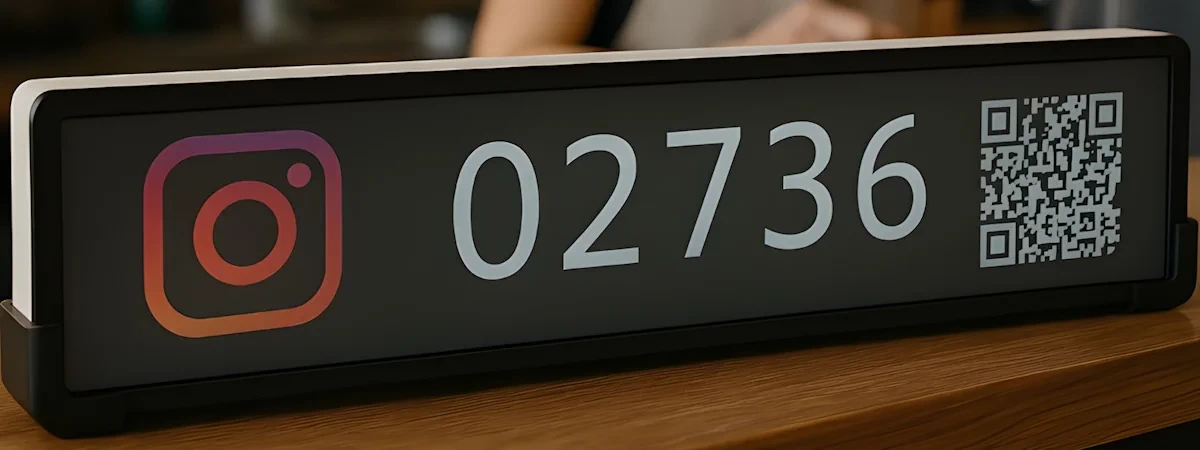
What “Any Compatible Screen” Actually Means
“Runs on any screen you already own” is easy to say. Here’s what it means in practice.
Compatible devices for DISPLIX EngageScreen:
- Android 9 (or later) tablets (any model running a current Android version)
- Android-based smart TVs and digital signage displays
- Any device with a modern browser (Chrome, Edge, Firefox) — Windows, Mac, Linux, Chromebook
Typical deployment in a venue:
A tablet mounted on a stand near the counter or POS. Install the DISPLIX EngageScreen Android app, open the dashboard on your tablet or laptop, link your social accounts, select your layout, and the counter is live. The tablet screen continues showing live counts and — if you configure it — promotional images or banners, rotating on whatever schedule you set.
No new hardware shipped. No per-device pairing process. No waiting.
What happens when you want to add a platform:
Open the dashboard. Add the account. The display updates. That’s the complete process. With Smiirl, adding a new simultaneously-visible platform means ordering a new device.
What happens when you want to display promotional content:
DISPLIX lets you add product images, discount announcements, seasonal offers, or any visual content to the same screen — alternating with your live social counters on a configurable schedule. A tablet showing “1,240 Instagram followers” can also show “Today’s special: oat milk latte €3.50” and “15% off all treatments this week” within the same display loop.
Smiirl devices show one number. They cannot display images or promotional content in any configuration.
What happens if you open a second location:
Log in to your DISPLIX dashboard. Point the new location’s existing screen at the same app. Done. No hardware order, no shipping timeline, no per-location device cost.
When Smiirl’s Price Is Worth It
The cost comparison above favours DISPLIX in almost every multi-platform or multi-location scenario. But Smiirl earns its price in specific contexts.
You’re tracking one platform, long term, with no subscription preference. If you have one social account, want it displayed on one screen, and intend to run it for many years without change, Smiirl’s one-time cost becomes competitive over a long enough horizon. No annual renewal to remember, no subscription to cancel.
The flip-display aesthetic is part of your brand experience. Smiirl’s retro mechanical look is a deliberate design choice. Venues with carefully considered interiors — independent bookshops, specialty coffee bars, boutique hotels — sometimes choose Smiirl specifically because the device itself is a conversation piece. That aesthetic cannot be replicated in software.
You need 6-second update frequency. Smiirl’s default refresh rate is 6 seconds. DISPLIX’s minimum is 30 seconds. For standard venue use, this difference is invisible to customers. For a live event where follower counts change by the second and you want every new follow reflected on the display immediately, Smiirl’s update speed is a real advantage.
You want a documented API for custom data. Smiirl’s Custom Counter has a published HTTP endpoint for pushing any number to the device, with documented integration paths via Zapier, Make, and n8n. DISPLIX’s custom integration options require contacting the team. If your use case is pushing proprietary business KPIs (daily revenue, ticket sales, reservation count) and you want to build the integration yourself using published docs, Smiirl’s Custom Counter is more self-service today.